
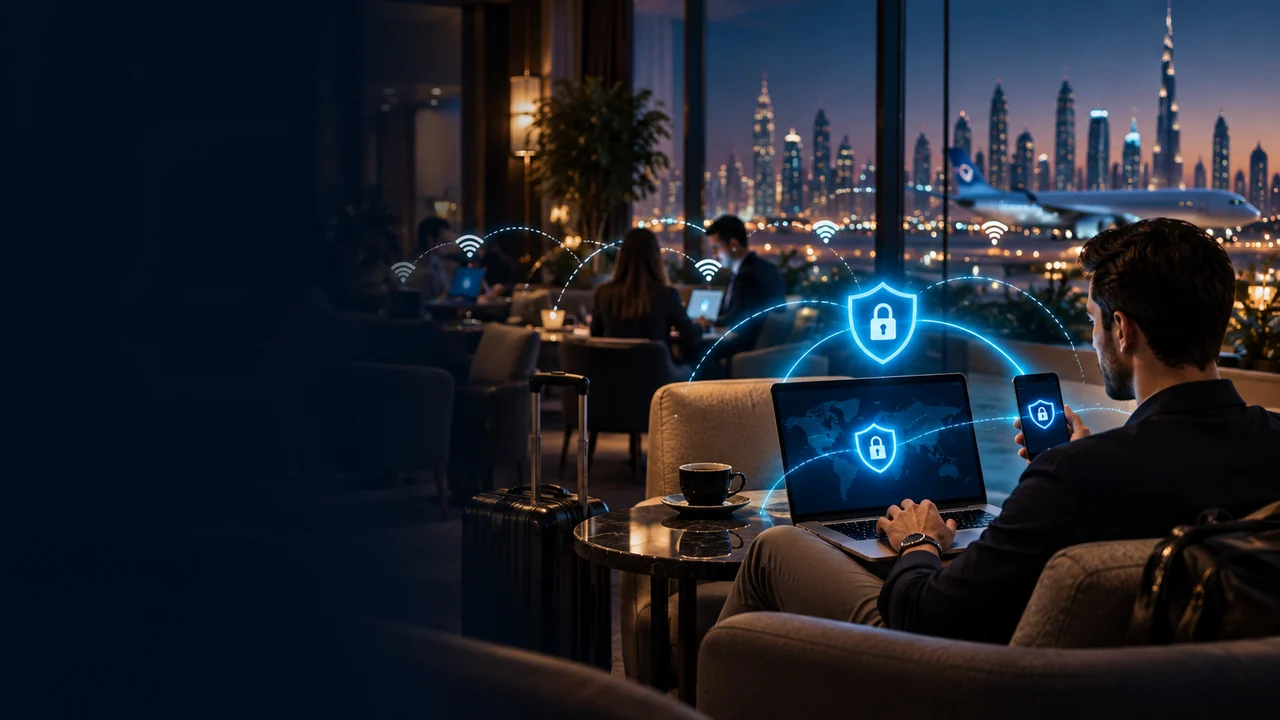
VPN for Public WiFi: Hotel, Airport and Café WiFi Safety
A VPN for public WiFi helps protect your connection on hotels, airports, cafés, schools, coworking spaces, libraries, malls, apartments and other shared networks. It encrypts traffic between your device and the VPN server, which reduces what the local WiFi network can see.
Use a VPN before logging into email, banking, work tools, AI apps, payment pages, streaming accounts or private websites on a network you do not control. A VPN helps with connection privacy, but it does not stop phishing, malware, fake WiFi networks, unsafe downloads, weak passwords or scams.
- Protect browsing on hotel and airport WiFi
- Encrypt traffic on cafés and shared networks
- Reduce local WiFi tracking and snooping
- Use before banking, AI tools, email and work apps

- Hotels, airports and cafés
- Travel, expats and remote work
- AI tools, email and banking
- Setup support before travel
Should you use a VPN on public WiFi?
Yes, you should use a VPN on public WiFi when logging into email, banking, work accounts, AI tools, payment pages, streaming apps, social media, crypto wallets or any private website.
A VPN encrypts traffic between your device and the VPN server, which helps protect your browsing from local WiFi snooping, DNS filtering and network-level tracking. It is especially useful on hotel WiFi, airport WiFi, cafés, schools, coworking spaces and shared apartment networks.
But a VPN is not complete protection. It does not stop phishing, malware, fake WiFi networks, unsafe websites, weak passwords, stolen devices, scam pages or accounts where you voluntarily enter sensitive information.
Need a VPN for hotel or airport WiFi?
Set up your VPN before you travel, connect before opening sensitive apps, and keep one backup server ready in case the public WiFi network blocks a VPN protocol or server.
Public WiFi VPN topic map
How a VPN protects public WiFi
What encryption does and what the WiFi owner can still see.
Public WiFi risks
Snooping, filtering, fake networks, DNS blocks, phishing and account exposure.
What a VPN cannot fix
Phishing, malware, unsafe downloads, scams and weak account security.
When to turn it on
Email, banking, AI tools, work apps, crypto, streaming and private browsing.
Public WiFi while travelling
Why travellers should install and test a VPN before leaving home.
Setup checklist
How to get your VPN ready before using public WiFi.
Troubleshooting
What to do if public WiFi blocks or breaks your VPN connection.
FAQ
Common questions about VPNs, public WiFi and safe browsing.
How a VPN protects you on public WiFi
Public WiFi networks are convenient, but they are not networks you fully control. The network owner, hotspot provider, router, captive portal, school, hotel, airport, ISP or filtering system may be able to see connection metadata, block websites, log DNS requests, throttle categories, or redirect users through login pages.
A VPN creates an encrypted tunnel between your device and a VPN server. Once connected, your local WiFi network sees that you are connected to a VPN server, but it should not see the exact websites and pages you open through the encrypted tunnel. Websites and apps usually see the VPN server’s IP address instead of your normal public IP address.
| Public WiFi issue | How a VPN helps | Important limit | Related guide |
|---|---|---|---|
| Local network snooping | Encrypts traffic between your device and the VPN server. | The VPN provider and destination websites still matter. | VPN privacy and security |
| Hotel or airport WiFi tracking | Reduces what the local network can see about your browsing. | Does not stop account tracking, cookies or browser fingerprinting. | VPN for travelling |
| DNS filtering | VPN DNS handling may help avoid local DNS-based blocks. | Not every block is DNS-based, and some networks block VPN traffic. | Blocked websites guide |
| Account logins on shared networks | Adds encryption before using email, banking, crypto, work apps, AI tools or streaming accounts. | Does not protect weak passwords or compromised devices. | Is a VPN safe? |
| Streaming, WhatsApp or AI tools | Can help test whether the public network is blocking or filtering the service. | Cannot override account country, payment rules, app rules or platform policies. | AI VPN hub |
Where a public WiFi VPN is most useful
A VPN is most useful on networks you do not own or manage. That includes travel networks, shared networks, school or workplace WiFi, temporary lodging and public hotspots where the operator may filter, monitor, throttle or log traffic.
Hotel WiFi
Use a VPN before logging into email, banking, streaming, work tools, crypto accounts, AI tools or private websites from a hotel network.
Airport WiFi
Airport WiFi is convenient but crowded. A VPN helps protect your connection while you work, browse or stream while waiting.
Cafés and restaurants
If you work from cafés or restaurants, use a VPN before opening personal dashboards, email, client systems or financial accounts.
Coworking spaces
Coworking networks may host many unknown devices. A VPN is a practical extra layer for browsing, uploads, SaaS tools and client work.
Schools and libraries
Some public or educational networks filter categories of websites. A VPN may help test whether the issue is network-based, where allowed.
Shared apartments and rentals
In short-term rentals, apartments, hostels and shared housing, the router may be controlled by someone else. A VPN helps reduce local visibility.
Related: VPN for travelling, watch TV abroad, and benefits of using a VPN.
Public WiFi risks a VPN can reduce
Public WiFi risk is not only about hackers sitting nearby. The network itself may be shared, logged, filtered, misconfigured, slow, crowded or controlled by a third party. A VPN helps with some of these risks, especially local network visibility and filtering.
Local network visibility
Without a VPN, the network may see more connection information, especially DNS requests and unencrypted traffic. With a VPN, traffic between your device and the VPN server is encrypted.
DNS-based blocking
Some public networks block categories of sites using DNS filtering. VPN DNS handling may help, although some networks block VPN traffic too.
Content filtering
Hotels, schools, workplaces and public hotspots may block streaming, AI tools, adult sites, gambling sites, crypto platforms, messaging apps or VoIP services.
Account exposure
A VPN helps protect the connection when logging into important accounts, but account security still depends on passwords, two-factor authentication, device safety and the website itself.
What a VPN cannot protect you from on public WiFi
A VPN is useful, but it is not a complete security product. It protects the connection between your device and the VPN server. It does not make every website safe and it does not remove every online risk.
| A VPN can help with | A VPN cannot fix |
|---|---|
| Encrypting traffic between your device and the VPN server. | Phishing websites that trick you into entering passwords. |
| Reducing what the local WiFi network can see. | Malware, unsafe downloads or compromised apps. |
| Masking your normal public IP address from websites. | Account tracking, cookies, browser fingerprinting or GPS permissions. |
| Helping test whether a website block is network-based. | Platform rules, account country, payment region, KYC, age checks or service eligibility. |
| Adding privacy on shared networks. | Weak passwords, no two-factor authentication, scam pages or stolen devices. |
Related: Is a VPN safe?, VPN privacy and security, and why to avoid free VPNs.
When you should turn on a VPN before browsing
On public WiFi, turn on your VPN before using accounts or services where privacy, identity, money, work data or personal information matter. The more sensitive the session, the more important it is to avoid exposing it through a network you do not control.
Email and work accounts
Email is often the recovery point for everything else. Protect it before using shared WiFi.
Banking and crypto
Use a VPN before checking banks, wallets, trading tools, payment accounts or crypto exchanges.
AI tools
Protect AI sessions, prompts, uploads and browser-based work on hotels, airports, coworking spaces and cafés.
Streaming accounts
Use a VPN before logging into streaming apps or subscription accounts on public networks.
Travel and blocked websites
Use a VPN to test whether a blocked site or app is failing because of hotel WiFi, DNS filtering or local network rules.
Private browsing
Use a VPN when opening personal, private, finance, messaging, travel or account-related sites on shared networks.
Related: crypto VPN, VPN for AI tools, watch TV abroad, VPN for WhatsApp calling, and blocked websites guide.
Use a VPN before opening sensitive accounts
On hotel, airport, café, coworking or school WiFi, connect to the VPN before opening banking, work tools, AI apps, email, WhatsApp, payment pages or private websites.
Public WiFi VPN for travellers
Travellers rely on public WiFi more than most users. Hotels, airports, buses, trains, cafés, malls, coworking spaces and rentals all become part of your daily internet connection. That makes a VPN especially useful before and during travel.
Install and test your VPN before you leave home. Some countries and networks may block VPN websites, app stores, payment pages or setup instructions. If you wait until arrival, setup can be harder.
UAE, Qatar and Gulf travel
Public WiFi in hotels, malls, airports and serviced apartments can behave differently by country and provider. Set up before travelling.
AI tools while travelling
A VPN may help protect prompts, uploads and browser sessions on shared networks, but provider account rules still apply.
WhatsApp and VoIP
A VPN may help test calling issues caused by public WiFi, DNS filtering or network restrictions, but call quality is not guaranteed.
Related: VPN for travelling, VPN server locations, server hostnames, and VPN setup guides.
Public WiFi VPN setup checklist
Install the VPN before you need it
Do not wait until you are on restricted hotel, airport, school or foreign WiFi to set up the VPN.
Turn it on before logging in
Connect to the VPN before opening email, banking, AI tools, crypto, work dashboards or payment pages.
Choose a stable server
Use a nearby server for speed or your home-country server for account consistency.
Check DNS protection
DNS leak protection helps avoid mixed signals that can expose local DNS requests or break website access.
Use two-factor authentication
A VPN protects the connection, but account protection still needs strong passwords and two-factor authentication.
Avoid suspicious WiFi names
Ask the hotel, café, airport or venue for the official network name before connecting.
Helpful setup pages: Buy VPN, setup guides, Windows VPN, Mac VPN, Android VPN, and iOS VPN.
Public WiFi VPN not working? Try these fixes
Accept the WiFi login page first
Many hotels and airports require a captive portal login before the VPN can connect.
Switch VPN protocol
Some public networks block one VPN protocol but allow another.
Try another server
A crowded or blocked server may fail. Try another server in the same country before switching countries.
Restart WiFi and the VPN app
Disconnect and reconnect to the WiFi, then restart the VPN app and try again.
Check DNS settings
DNS conflicts or leaks can cause website errors, location mismatches or blocked-site issues.
Try mobile data temporarily
If the public WiFi blocks VPN traffic entirely, mobile data may help you access setup pages or support.
Helpful links: VPN not working guide, server hostnames, VPN FAQ, and support.
Should you use a free VPN on public WiFi?
Free VPNs are usually a poor choice for public WiFi privacy. They are often slower, more crowded, easier to block, limited by data caps and weaker on support. Some free VPNs also have unclear business models, ads, tracking concerns or weaker privacy practices.
If you are using public WiFi for banking, crypto, work, AI tools, streaming accounts, personal browsing or travel access, a paid VPN account is usually the safer and more reliable option.
Related: the dark side of free VPNs and buy VPN.
Get a VPN account for public WiFi protection
Use VPN-Accounts.com before connecting to hotel WiFi, airport WiFi, cafés, coworking spaces, school networks and shared hotspots. Protect browsing, reduce local network visibility and keep your travel setup ready.
Continue learning about WiFi VPN safety
Buy VPN account
Choose a VPN plan for public WiFi, travel, AI tools, WhatsApp/VoIP and blocked-site troubleshooting.
Is a VPN safe?
Learn where VPNs help, where they do not, and how to use them safely.
Crypto VPN
Protect crypto, wallet, exchange, banking and finance sessions on public WiFi.
VPN setup guides
Install or configure your VPN on Windows, Mac, Android, iOS and other devices.
Are VPNs legal?
Legal use, risky use, travel caution, country restrictions and sensitive categories.
VPN for public WiFi FAQ
Should I use a VPN on public WiFi?
Yes, using a VPN on public WiFi is a smart safety step. A VPN encrypts traffic between your device and the VPN server, which helps reduce local WiFi snooping and network-level tracking.
Does a VPN make public WiFi completely safe?
No. A VPN helps protect your connection, but it does not stop phishing, malware, fake WiFi networks, unsafe downloads, weak passwords, stolen devices or scams.
Should I use a VPN on hotel WiFi?
Yes. Hotel WiFi is a shared network you do not control. Use a VPN before logging into email, banking, crypto, work tools, streaming accounts, AI tools or other private websites.
Should I use a VPN on airport WiFi?
Yes. Airport WiFi is often crowded and shared by many unknown users. A VPN helps protect your connection while you browse, work, stream or log into accounts.
Can the WiFi owner see what I do if I use a VPN?
The WiFi owner may see that you are connected to a VPN server and may see connection metadata, but the VPN helps hide the exact websites and pages you open through the encrypted tunnel.
Can a VPN help if public WiFi blocks websites?
Sometimes. A VPN may help if the block is caused by local WiFi rules, DNS filtering or network-level filtering. It cannot guarantee access if the website uses account rules, payment-region checks, age checks, KYC or VPN detection.
Why does my VPN not connect on public WiFi?
The network may require a captive portal login, block certain VPN protocols, block VPN traffic or have DNS issues. Accept the WiFi login page first, then try another VPN protocol or server.
Is a free VPN good enough for public WiFi?
Free VPNs are usually not ideal for sensitive public WiFi use. They are often slower, more crowded, limited by data caps, easier to block and may have unclear privacy practices. A paid VPN is usually better for reliability and support.
What should I do before using public WiFi while travelling?
Install and test your VPN before travel, save your login details, enable two-factor authentication, confirm the official WiFi network name, and connect to the VPN before opening sensitive accounts.
